
Why this exists
The origin story, the frustrations, and what this app is really about.
Simplify your life. Not by cramming in hundreds of features, but by making the ones that matter work better than anywhere else.
What you get
Custom Snooze
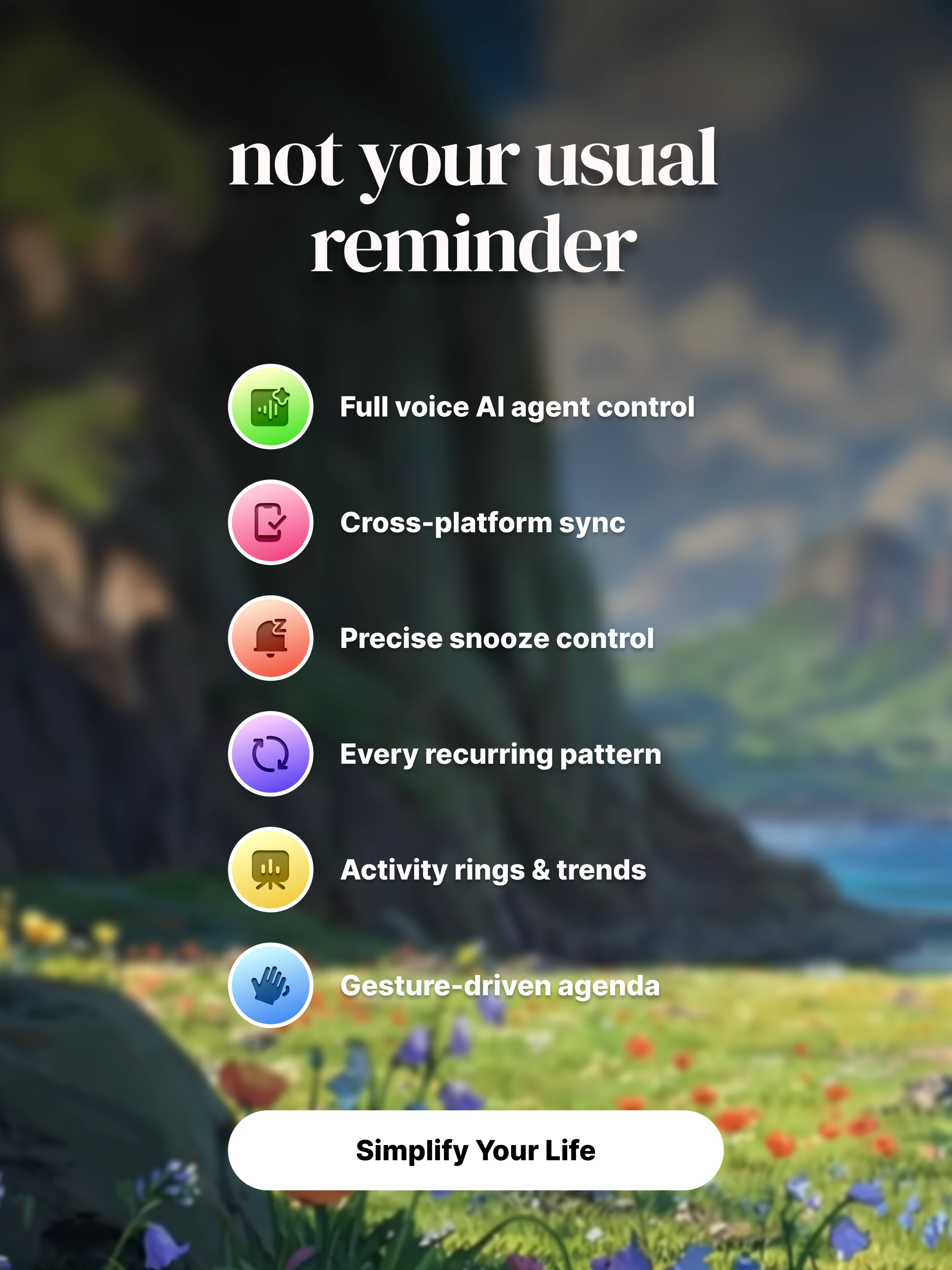
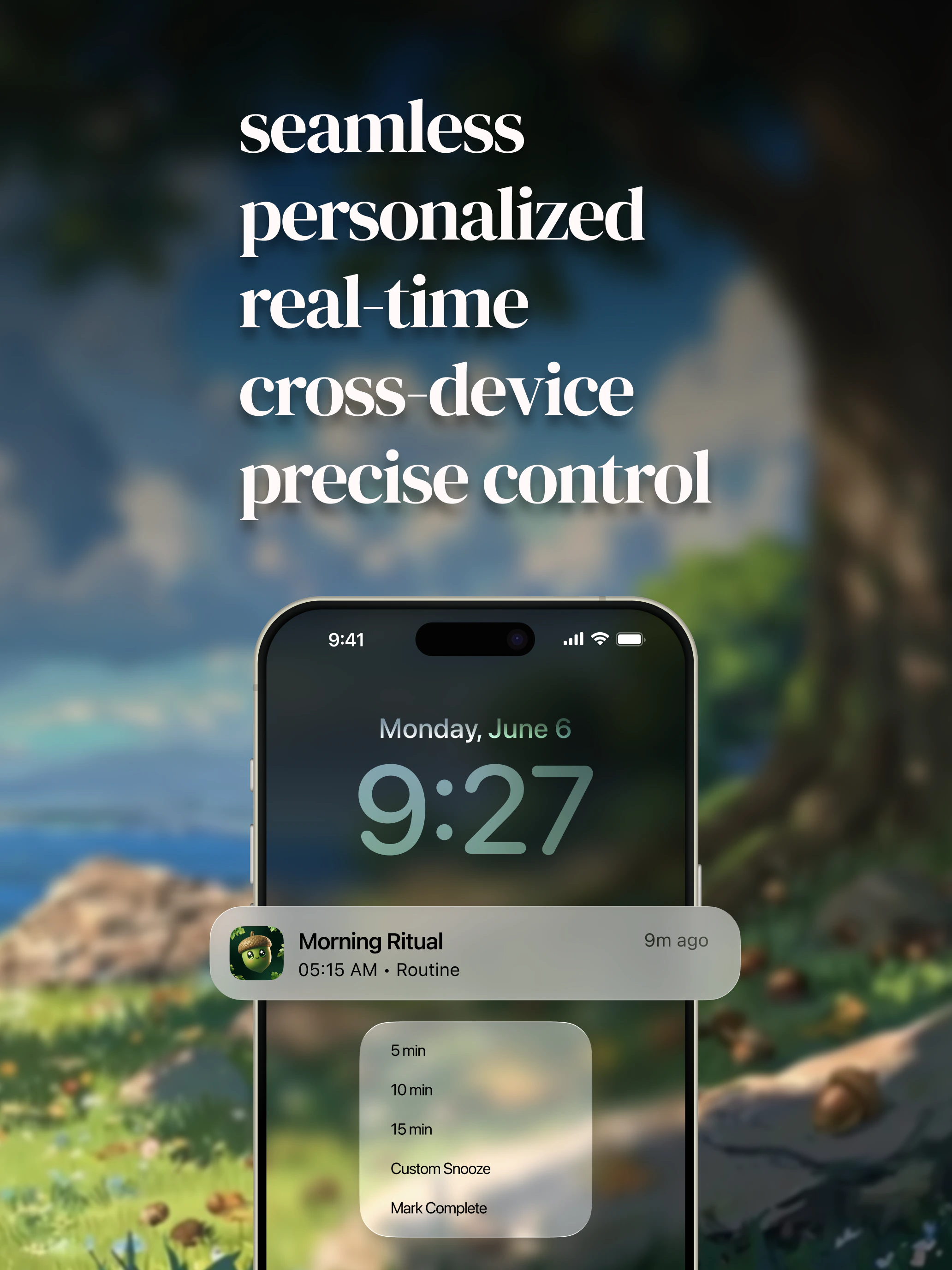
Tap 5m, 15m, 30m, 1h, or 2h right from the Lock Screen. No unlocking, no app switching.
Recurring Reminders
Daily, weekly, monthly, or custom intervals. Edit one occurrence or the whole series.
Cross-Device Sync
Dismiss on one device, it disappears everywhere. Real-time sync across all your devices.
Voice Agent
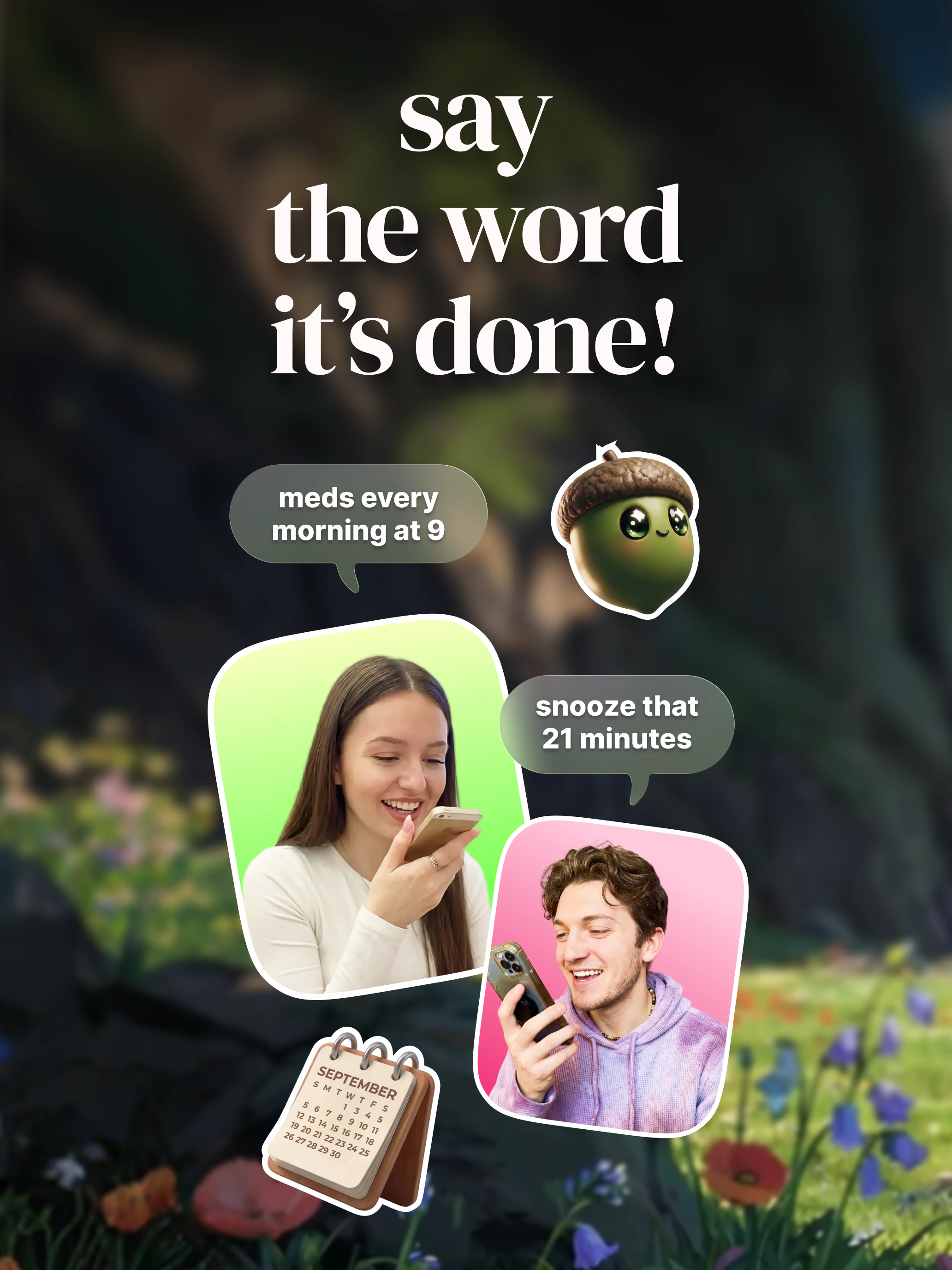
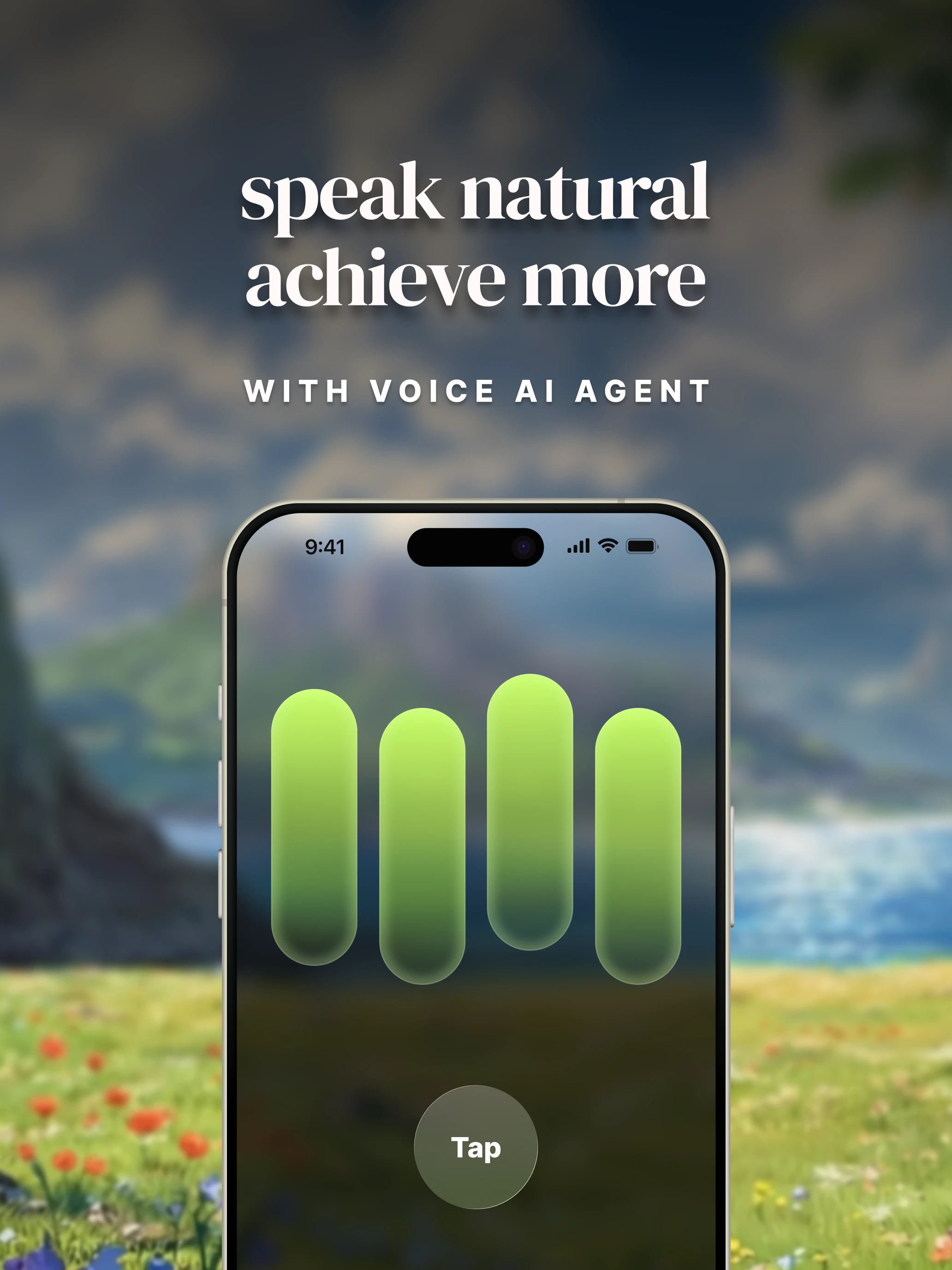
Just speak. Say “remind me to call the vet tomorrow at 3pm” and it’s done. No typing, no menus.
Daily Agenda
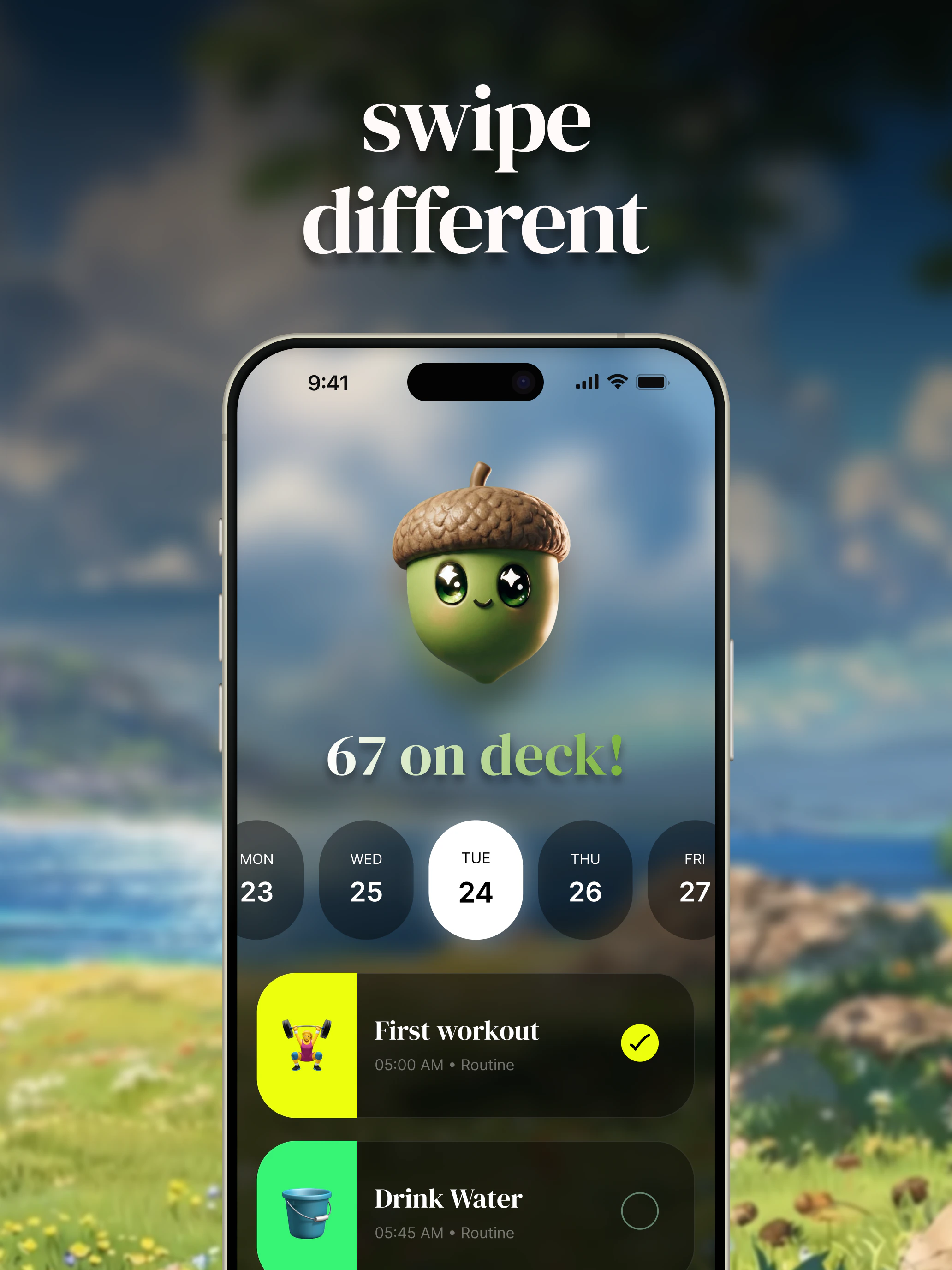
A fluid, gesture-driven home screen with native haptic feedback. Scroll through your day, tap to switch dates, and see category colors at a glance.
Native Alarms
Real alarms powered by AlarmKit. They ring even on silent mode, so you never miss the important ones.
Live Activity
A live countdown timer right on your Lock Screen and Dynamic Island. See exactly how much time is left.
Productivity Insights
Activity rings, trend charts, and category breakdowns. See your completion patterns over days, weeks, and months.
Get started
Unlock everything
Start with a free trial to explore every feature. No credit card needed upfront, just your Apple ID. No limitations, no locked tiers during the trial.
Growing ecosystem
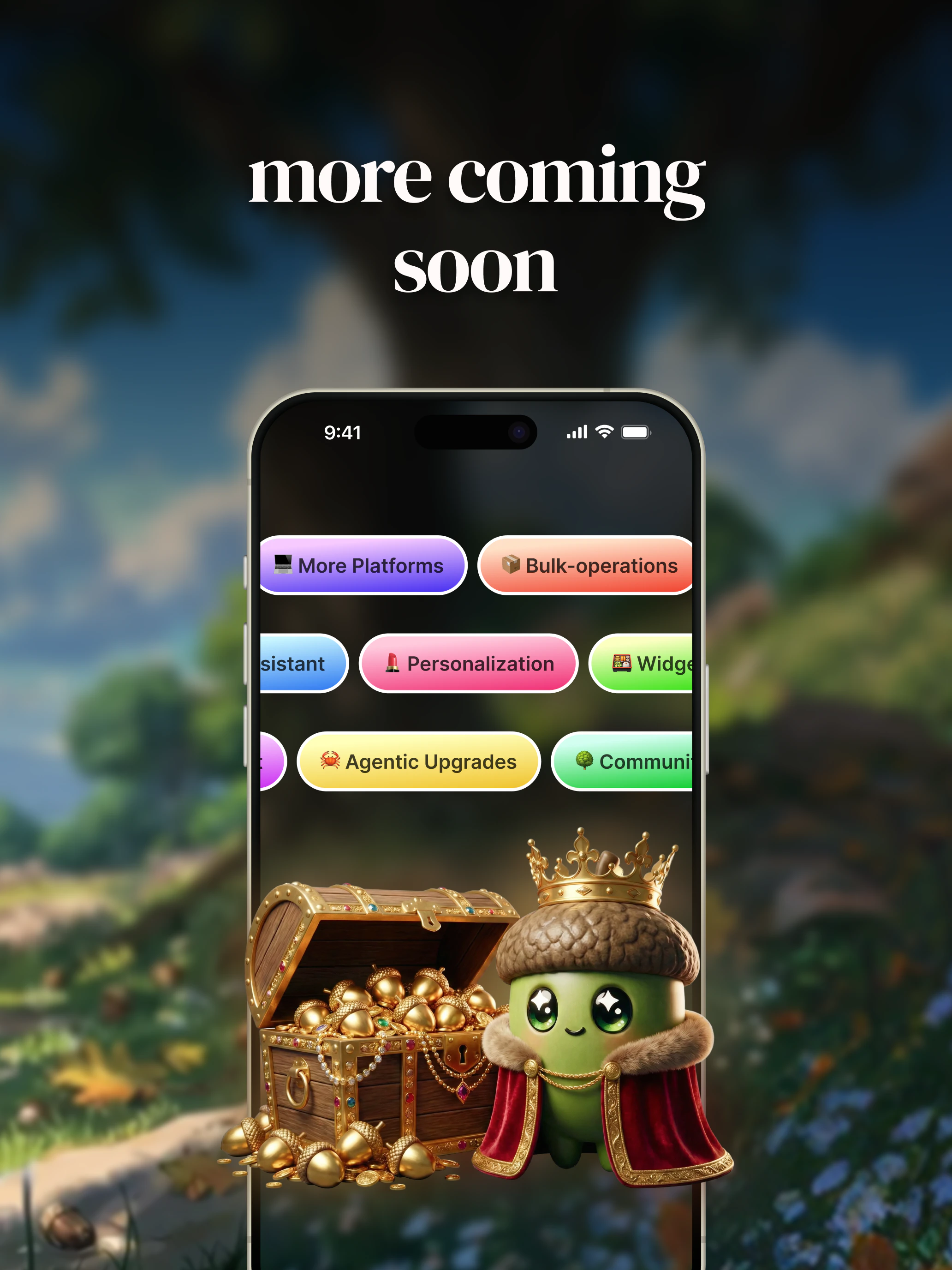
Oakminder is on iOS today, with Apple Watch, iPad, macOS, and more platforms on the roadmap. Your data already syncs in real time, so expanding to new platforms means your reminders follow you everywhere.See the full roadmap
Platform expansion, smarter voice features, AI-powered analytics, and more.
Quick Start Guide
Step-by-step walkthrough to set up Oakminder and create your first reminder.